
How to delete your Find Merchant account
Follow these steps in the Merchant App to permanently delete your account.
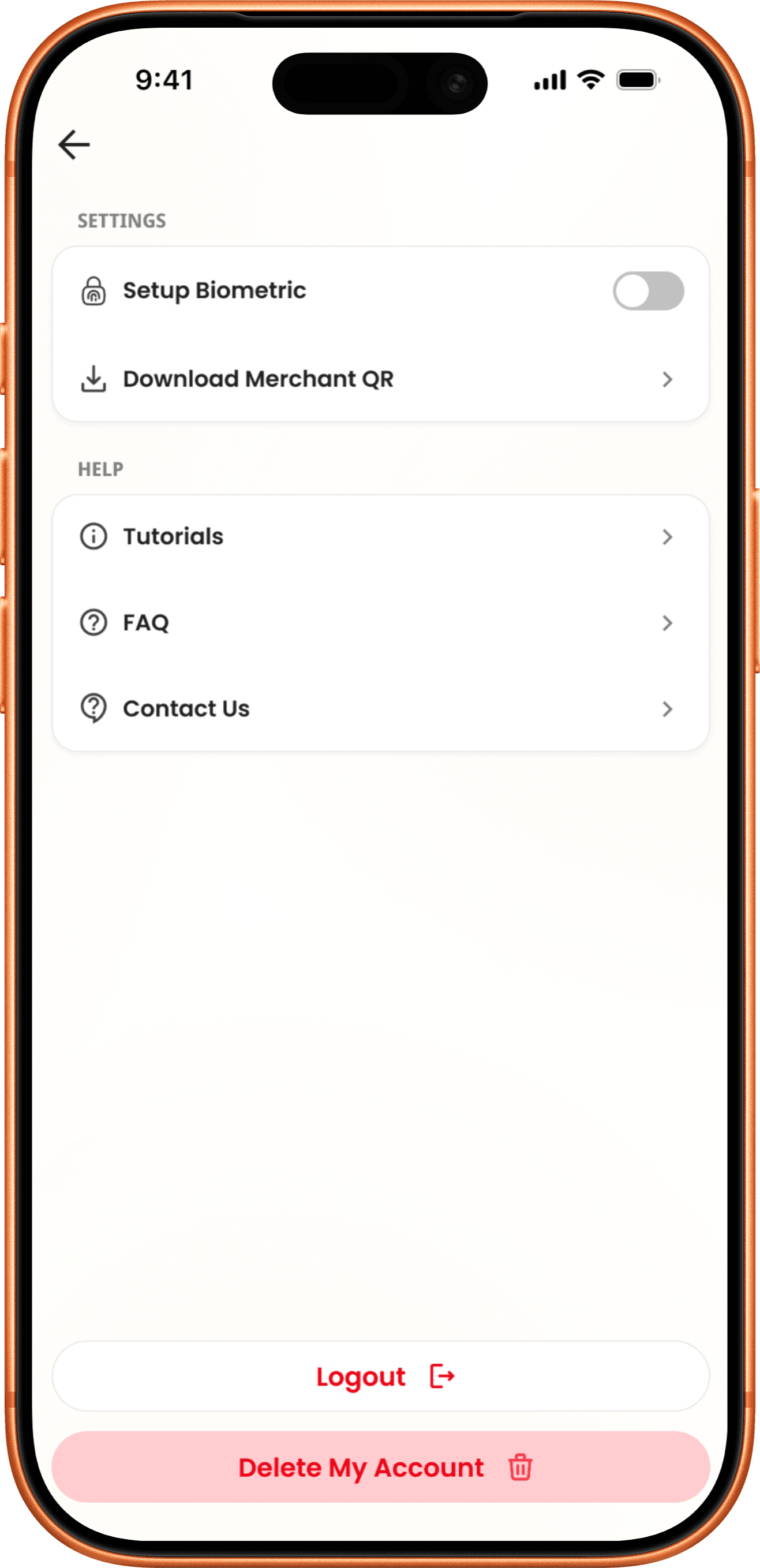
Go to your account settings
Tap the three-line icon in the top right corner on the homepage, scroll down, and tap “Delete My Account”.
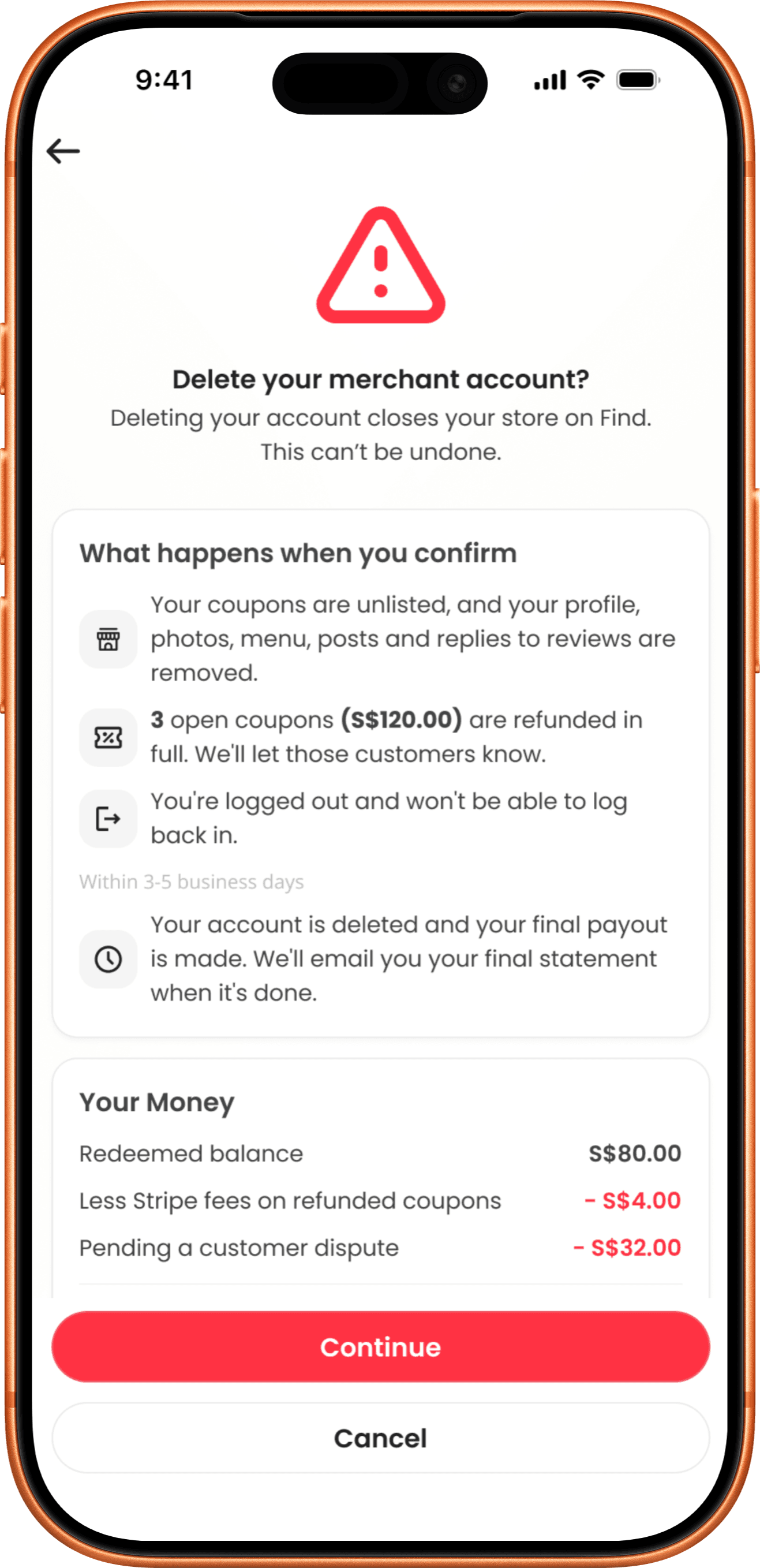
Review what happens
See which open coupons will be refunded, your final payout, and what happens next. Then tap Continue.
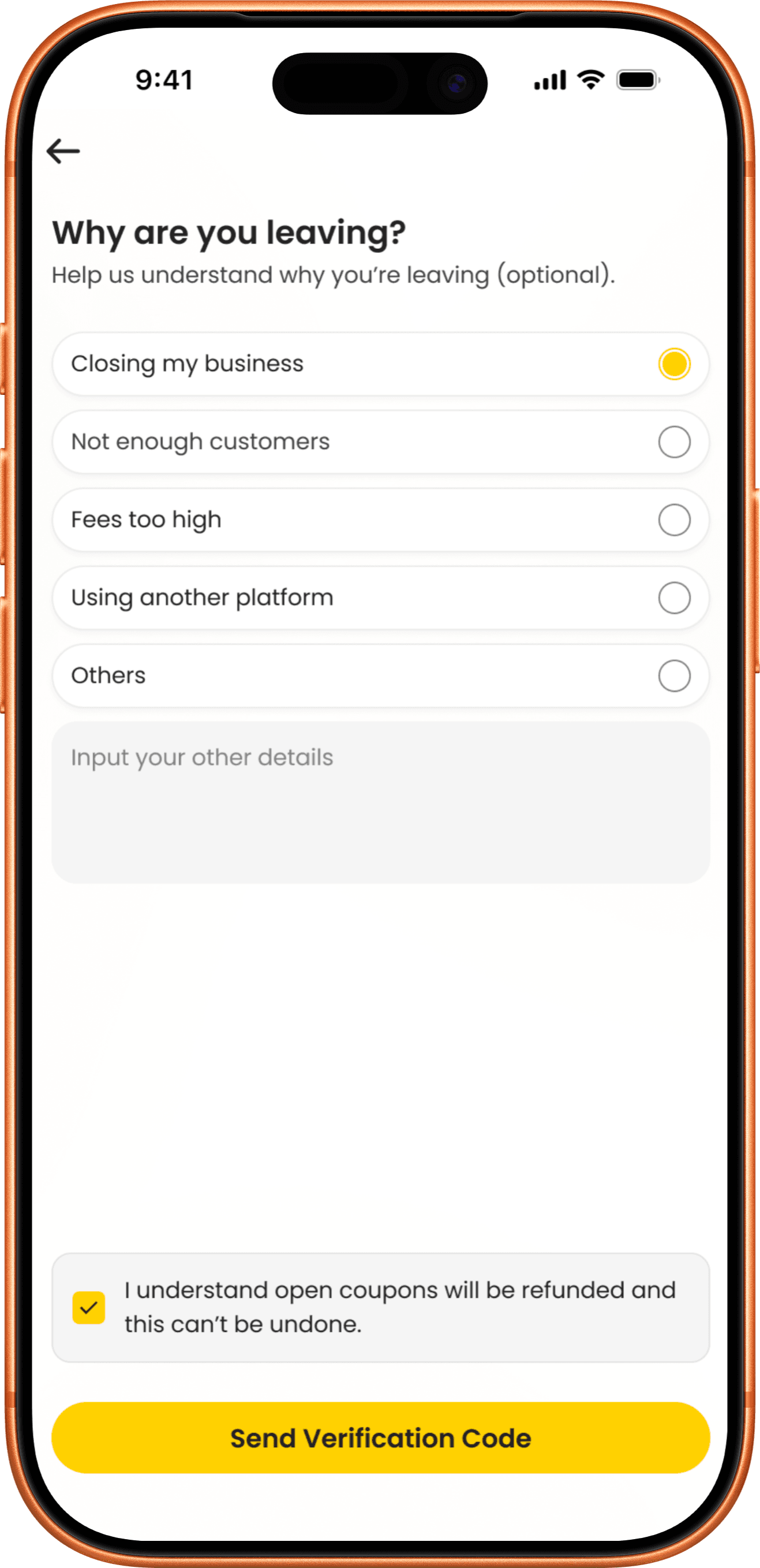
Tell us why you’re leaving
Choosing a reason is optional. Tick the box to confirm you understand open coupons will be refunded and this can’t be undone, then tap Send Verification Code.
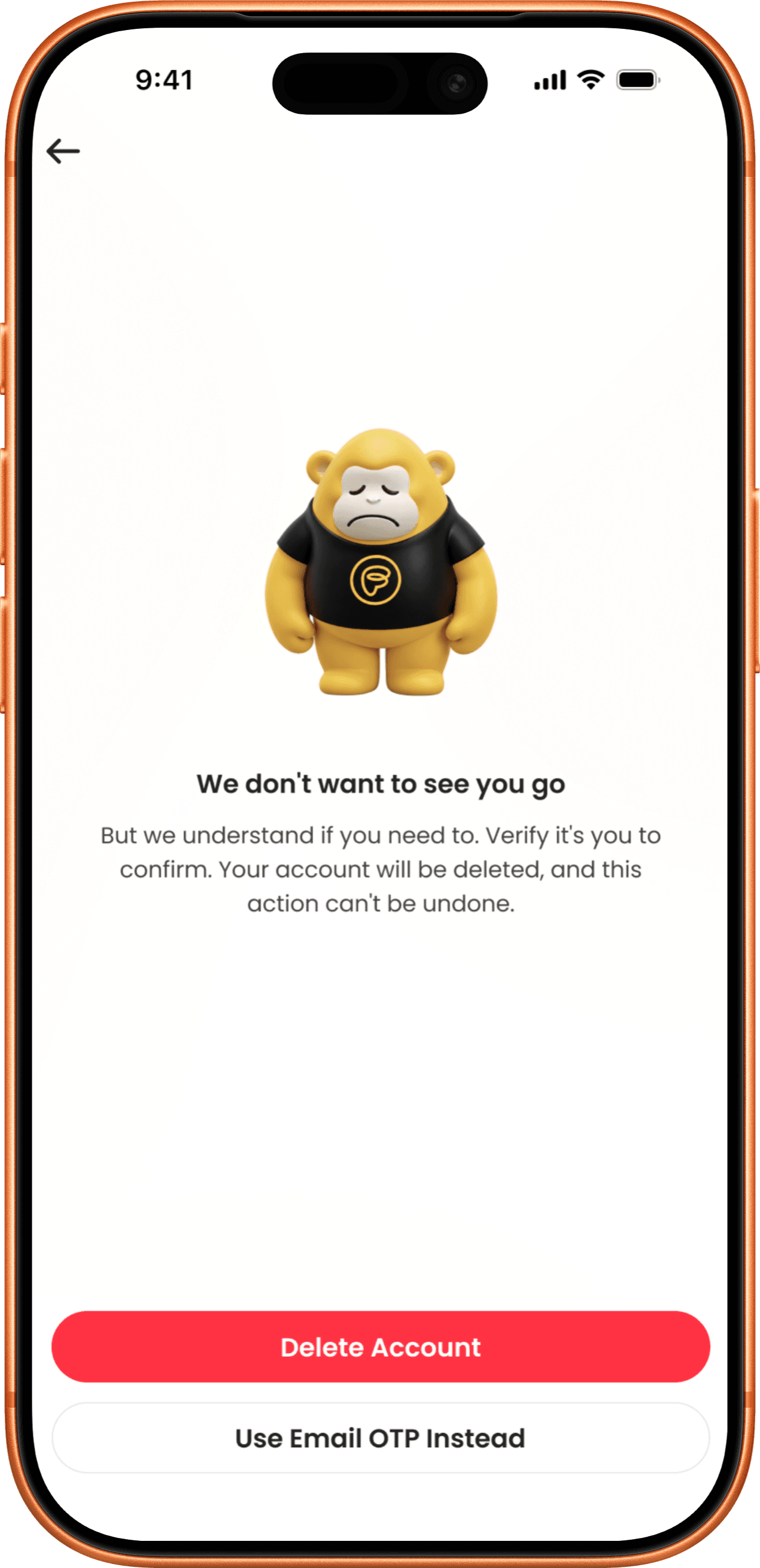
Verification
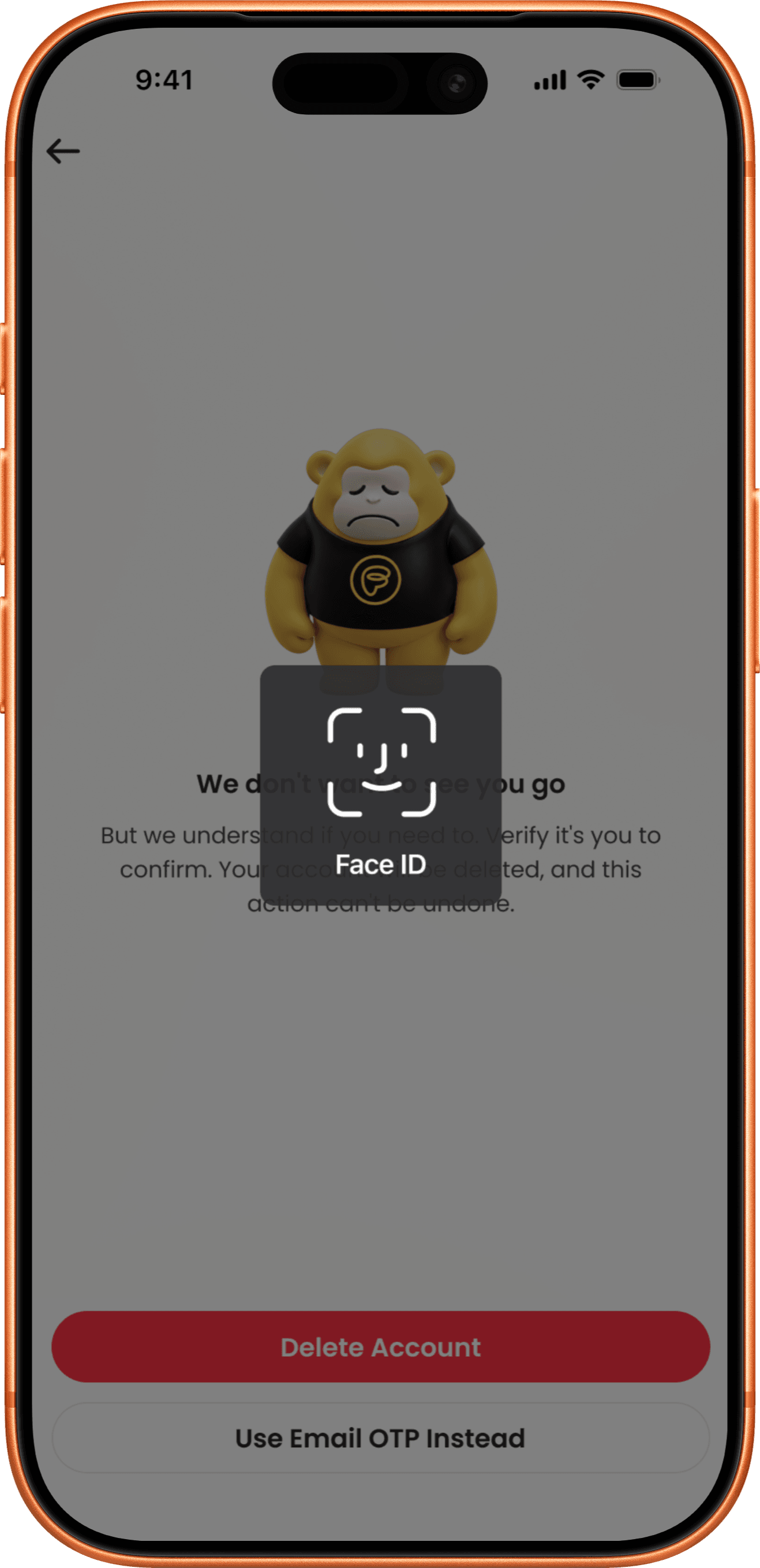
Tap “Delete Account” to proceed with verification, or choose “Use Email OTP Instead” to verify using the 6-digit code sent to your registered email.
Biometric Confirmation
Complete biometric verification to confirm your identity and proceed with account deletion.
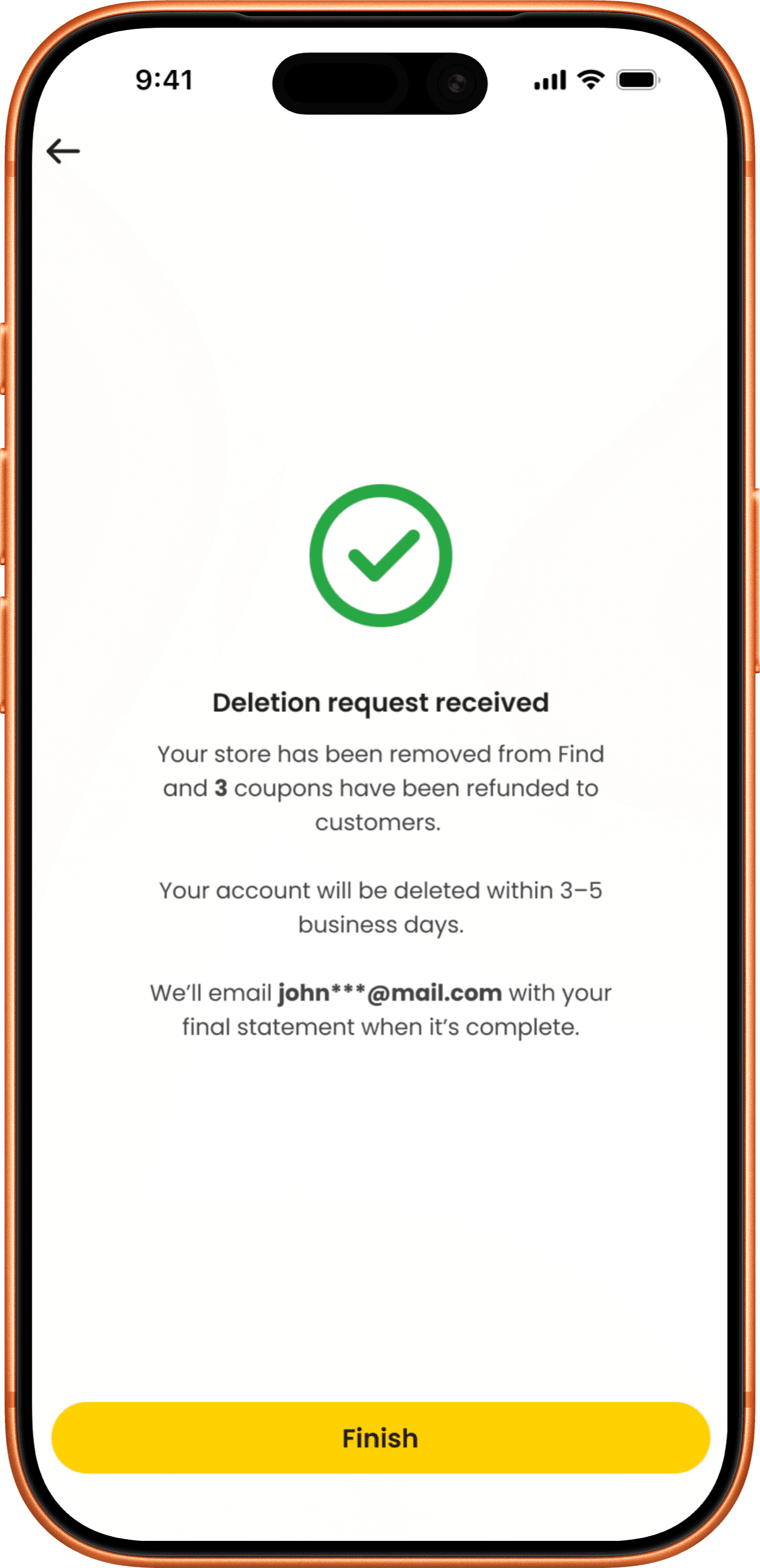
Request received
Open coupons are refunded and you’re logged out straight away. Your account is deleted within 3–5 business days, and we’ll email you your final statement and transaction history.

Before you delete your account
All open coupons are refunded to customers in full, and this can’t be undone. Your store will still appear on Find as an unclaimed listing.
What happens when you delete your account:
What’s deleted
- Your store profile, photos, menu, posts, coupon listings and replies to reviews
- Your login details
What’s kept
- Customer reviews, ratings and posts about your store
- Transaction and tax records we’re required by law to keep. See our Privacy Policy.
Your money and timing
- Your final payout, less Stripe fees on refunded coupons, is paid when deletion is complete.
- Any amount held for an open customer dispute is released once it’s resolved.
- If fees exceed your balance, we’ll email you the amount owed.
- Deletion takes 3–5 business days. We’ll email you when it’s done.

Can’t access the app?
Email us from your registered email address with the subject ‘Delete my merchant account’ and your store name.
 support@findapp.asia
We’ll reply to confirm, then complete your request within 3–5 business days.